Understanding the Basics of Computer Hardware
Discover the fundamental components of computer hardware, their functions, and how they work together to power your computer.
Introduction to Computer Hardware
Computer hardware forms the backbone of any computing device. It encompasses all the physical components that are essential for the functioning of a computer system. From the central processing unit (CPU) to the motherboard, each part plays a critical role. Understanding these components is vital for anyone looking to delve into the world of computing, whether for personal interest or professional development. This article will guide you through the basics of computer hardware, explaining the function and importance of each major component.
The Central Processing Unit (CPU)
Often referred to as the brain of the computer, the CPU is responsible for executing instructions from programs and performing calculations. It processes data by following a set of instructions called an algorithm. Modern CPUs are incredibly powerful and capable of performing billions of calculations per second. Key attributes of a CPU include its clock speed and the number of cores it possesses. Higher clock speeds and more cores generally translate to better performance, enabling the computer to handle more tasks simultaneously.
Memory: RAM and Storage
Memory in a computer is divided into two main types: Random Access Memory (RAM) and storage. RAM is a type of volatile memory that stores data temporarily while the computer is running. It allows for quick access to data and is crucial for multitasking. On the other hand, storage devices like Hard Disk Drives (HDDs) and Solid State Drives (SSDs) provide long-term data storage. SSDs are faster and more reliable than HDDs, making them a popular choice for modern computers. Both types of memory are essential for the smooth operation of a computer system.
The Motherboard
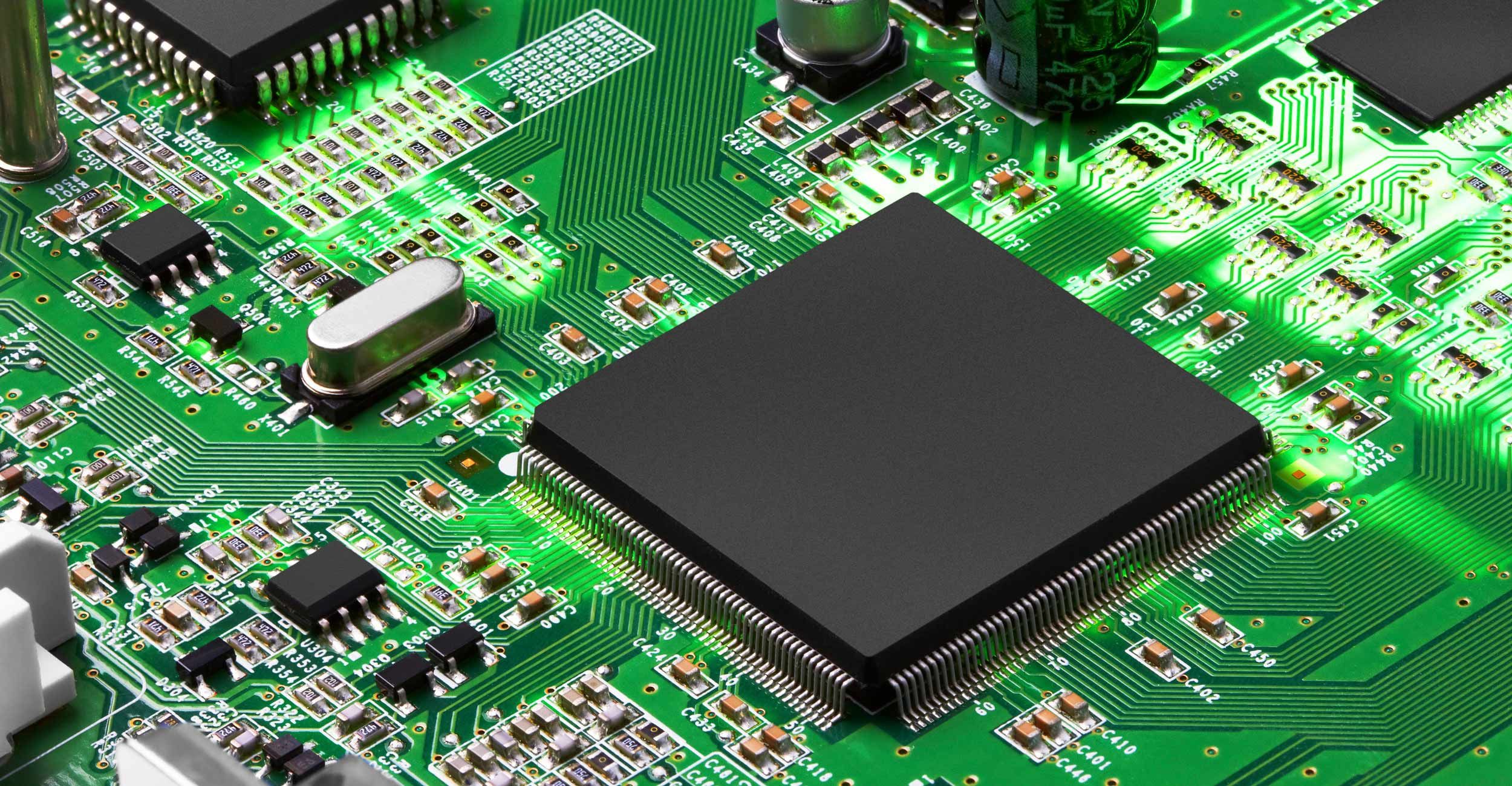
The motherboard is the main circuit board that houses the CPU, RAM, and other essential components. It acts as a hub, connecting all parts of the computer and allowing them to communicate with each other. The motherboard also contains the chipset, which manages data flow between the processor, memory, and peripherals. Various expansion slots on the motherboard allow for additional components like graphics cards and network cards to be installed, enhancing the computer's capabilities. Understanding the layout and function of the motherboard is crucial for anyone looking to build or upgrade a computer.
Graphics Processing Unit (GPU)
The Graphics Processing Unit (GPU) is responsible for rendering images, videos, and animations. While the CPU can handle graphics processing, a dedicated GPU is much more efficient for this task. Modern GPUs are essential for gaming, video editing, and other graphics-intensive applications. They come with their own memory, known as Video RAM (VRAM), which is optimized for handling complex graphical data. A powerful GPU can significantly improve the performance of a computer in tasks that require high-quality graphics.
Input and Output Devices
Input and Output (I/O) devices are peripherals that allow users to interact with the computer. Common input devices include keyboards, mice, and scanners, while output devices include monitors, printers, and speakers. These devices are crucial for performing everyday tasks on a computer. Input devices enable users to provide data and commands to the computer, while output devices display or produce the results of the computer's processes. Understanding how these devices work and connect to the computer can help users optimize their computing experience.
Power Supply and Cooling Systems
The power supply unit (PSU) converts electrical power from an outlet into a usable form for the computer. It ensures that all components receive the appropriate amount of power to function correctly. Alongside the PSU, cooling systems are essential for maintaining optimal operating temperatures. These systems include fans, heat sinks, and liquid cooling solutions. Proper cooling prevents overheating, which can damage components and reduce performance. Ensuring adequate power supply and cooling is crucial for the longevity and reliability of a computer system.