How to Choose the Best Laptop for Your Needs
Choosing the best laptop involves assessing your needs, budget, and understanding key specifications. Learn how to make an informed decision.
Assess Your Needs
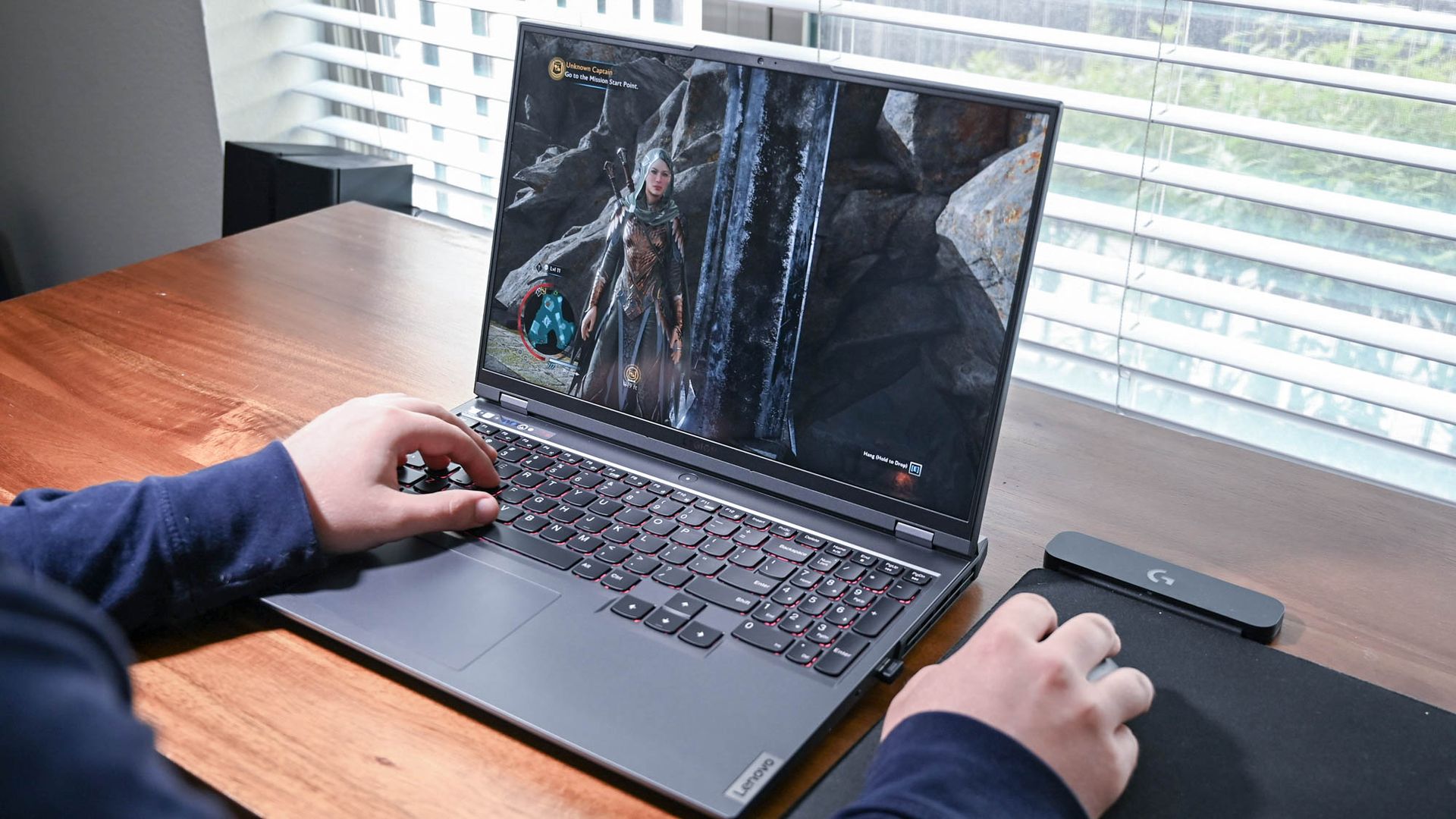
Choosing the best laptop starts with understanding your specific needs. Are you a student needing a reliable device for note-taking and research? Or perhaps a professional requiring robust software capabilities for tasks like video editing or software development? Gamers will need a different set of specifications, focusing on high-performance graphics and processing power. Make a list of your primary use cases to guide your decision. This initial step will help you narrow down the options and avoid overspending on features you don't need.
Determine Your Budget
Your budget plays a crucial role in your laptop selection. High-end laptops come with advanced features but at a premium price. Mid-range laptops offer a balance between performance and cost, suitable for general use, while budget laptops may suffice for basic tasks like web browsing and document editing. Be realistic about how much you're willing to spend and remember that sometimes investing a little more can offer better longevity and performance.
Consider the Operating System
The operating system (OS) is another key factor. Windows, macOS, and Linux each have their own strengths and weaknesses. Windows offers versatility and is widely compatible with many software applications. macOS is known for its user-friendly interface and seamless integration with other Apple products. Linux is popular among tech enthusiasts for its customization options and open-source nature. Choose an OS that aligns with your comfort level and software requirements.
Evaluate Hardware Specifications
Hardware specifications like the processor, RAM, and storage significantly impact a laptop's performance. A powerful processor ensures smooth multitasking, while adequate RAM (at least 8GB for most users) allows for efficient operation of multiple applications. Storage options include traditional HDDs, which are cheaper but slower, and SSDs, which are faster and more reliable. Consider your typical usage patterns to decide on the right balance of these components.
Screen Size and Resolution
The screen size and resolution are important for your viewing experience. Larger screens (15 inches and above) are great for multitasking and media consumption but can be less portable. Smaller screens (13-14 inches) offer better portability but might strain your eyes during prolonged use. Resolution also matters; a Full HD (1920x1080) resolution is generally sufficient, but higher resolutions like 4K can offer sharper images and better detail, especially for creative professionals.
Battery Life
Battery life is a critical consideration, especially for those who need to work on the go. Manufacturers often provide an estimated battery life, but real-world usage can vary. Factors like screen brightness, running applications, and connectivity options can drain the battery faster. Look for laptops with at least 8-10 hours of battery life for all-day use without frequent charging. Portable chargers and power banks can also be useful accessories.
Keyboard and Trackpad Quality
The keyboard and trackpad are your primary interaction points with the laptop. A comfortable, responsive keyboard can significantly improve your productivity, especially if you type a lot. Look for features like backlighting, key travel, and layout. The trackpad should be smooth and responsive, with support for multi-touch gestures. If possible, test these components in a store before making a purchase to ensure they meet your comfort standards.
Connectivity and Ports
Finally, consider the connectivity and ports available on the laptop. Common ports include USB-A, USB-C, HDMI, and audio jacks. The number and type of ports will determine how easily you can connect peripherals like external drives, monitors, and headphones. Some modern laptops prioritize slim designs over port variety, so you might need adapters or docking stations. Ensure the laptop you choose can support your peripheral needs without excessive hassle.