Essential Software Every PC Should Have
Discover the must-have software for every PC to enhance productivity, security, and entertainment. Equip your computer with these essential tools.
Operating System (OS)
An Operating System (OS) is the backbone of any computer, managing hardware and software resources while providing essential services for application programs. The most common operating systems are Windows, macOS, and Linux. Each has its strengths and weaknesses, with Windows being widely used in businesses and gaming, macOS favored by creative professionals, and Linux preferred by developers and tech enthusiasts for its open-source nature. The OS you choose will significantly impact your user experience, software compatibility, and overall system performance. A robust OS ensures smooth multitasking, efficient resource management, and a secure environment for your data.
Antivirus Software
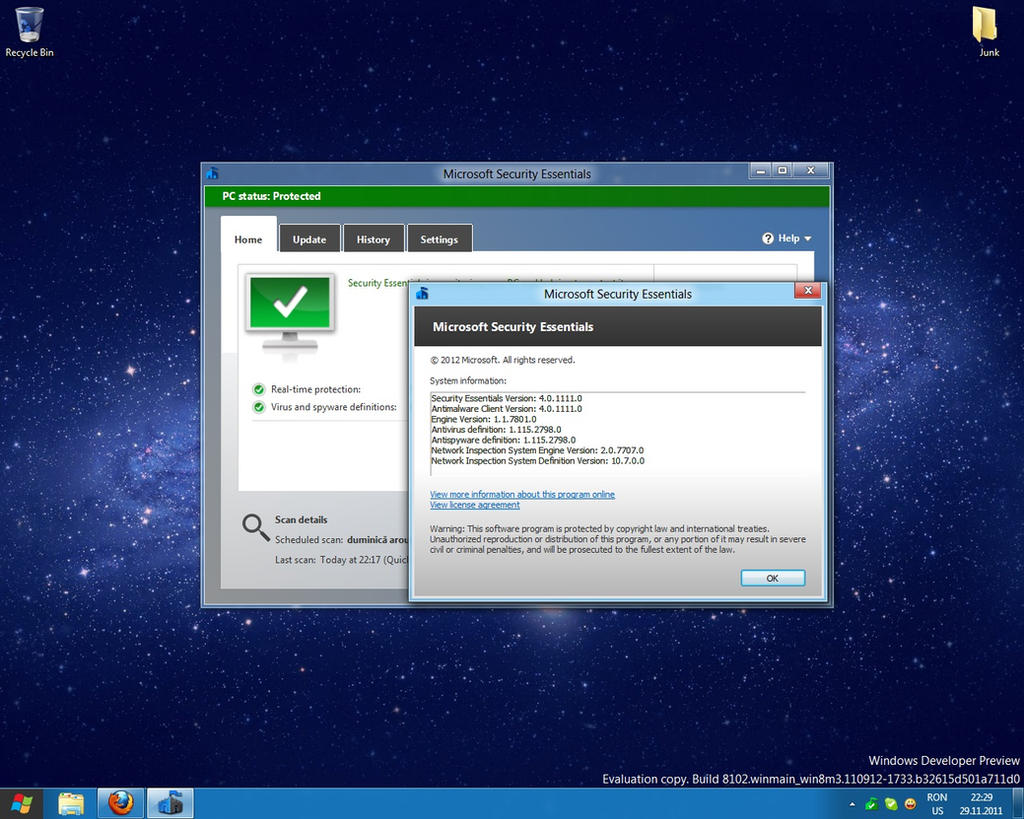
In today's digital age, Antivirus Software is crucial for protecting your PC from malicious threats such as viruses, malware, and ransomware. These programs scan your system for potential threats and provide real-time protection against new attacks. Popular antivirus solutions offer features like email scanning, web protection, and firewalls. Regular updates are essential to keep your antivirus software effective against emerging threats. Investing in reliable antivirus software not only safeguards your data but also enhances your system's performance by removing harmful files and optimizing processes.
Office Suite
An Office Suite is indispensable for productivity, offering tools for word processing, spreadsheets, presentations, and more. Microsoft Office, Google Workspace, and LibreOffice are popular choices, each with unique features and compatibility options. Microsoft Office is renowned for its comprehensive tools and professional templates, while Google Workspace excels in collaboration and cloud storage. LibreOffice is a free, open-source alternative with robust features. These suites enable users to create, edit, and share documents efficiently, making them essential for both personal and professional tasks.
Web Browser
A Web Browser is your gateway to the internet, and having a reliable one is essential for a seamless online experience. Popular browsers like Google Chrome, Mozilla Firefox, Microsoft Edge, and Safari offer various features such as speed, security, and customization options. Chrome is known for its fast performance and extensive library of extensions, while Firefox emphasizes privacy and open-source development. Edge integrates well with Windows, and Safari offers optimized performance for macOS users. Choosing the right browser enhances your web experience, ensuring fast load times, secure browsing, and access to a wide range of web applications.
Media Player
A versatile Media Player is essential for enjoying multimedia content on your PC. VLC Media Player, Windows Media Player, and PotPlayer are popular options that support various audio and video formats. VLC is renowned for its compatibility and ability to play almost any file type without additional codecs. Windows Media Player is integrated with the Windows OS, offering a user-friendly interface and library management. PotPlayer provides advanced features and customization options for power users. A good media player ensures smooth playback, high-quality audio, and video, and additional features like subtitles and streaming capabilities.
File Compression Tool
File Compression Tools like WinRAR, 7-Zip, and WinZip are essential for managing large files and saving storage space. These tools compress files into smaller sizes, making them easier to store and transfer. WinRAR is known for its robust compression algorithms and ease of use, while 7-Zip offers high compression ratios and is free to use. WinZip provides additional features like encryption and cloud storage integration. File compression tools are indispensable for sharing large files via email, reducing storage requirements, and organizing data efficiently.
Backup Software
Backup Software is crucial for protecting your data from loss due to hardware failure, accidental deletion, or cyber-attacks. Programs like Acronis True Image, Backblaze, and Macrium Reflect offer comprehensive backup solutions. Acronis True Image provides full system backups, including OS, applications, and settings. Backblaze offers unlimited cloud storage for continuous data backup, while Macrium Reflect specializes in disk imaging and cloning. Regular backups ensure that your important files, photos, and documents are safe and can be restored in case of an emergency. Investing in reliable backup software provides peace of mind and data security.